Remote Team Productivity Tools: Must-Have Best Solutions for Success
Boosting Efficiency: Must-Have Remote Team Productivity Tools for Success
In today’s increasingly digital work environment, remote teams have become the norm rather than the exception. Companies worldwide are embracing flexible work arrangements, allowing employees to collaborate from various locations. While this setup offers numerous benefits, it also brings unique challenges, especially when it comes to maintaining productivity. Fortunately, the right remote team productivity tools can make all the difference in bridging communication gaps, streamlining workflows, and keeping projects on track. This article explores essential software and solutions designed to empower remote teams and drive success.
Why Remote Teams Need Specialized Productivity Tools
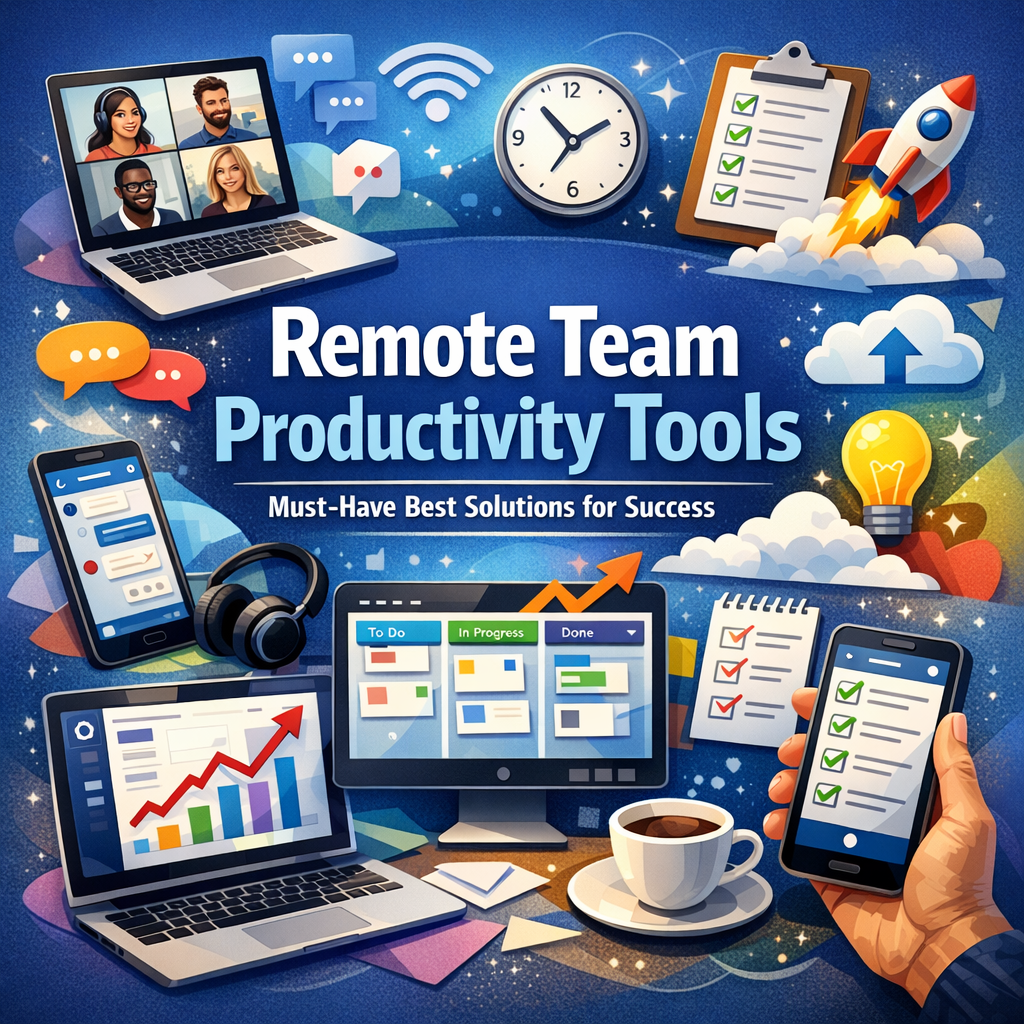
Working remotely presents distinct obstacles that traditional office-based setups don’t face. When team members operate from different time zones and locations, lack of face-to-face interaction can lead to miscommunication, delays, and decreased motivation. Without the structure of an office, efficiently managing tasks, meetings, and deadlines becomes more complex.
Remote team productivity tools serve as digital facilitators that foster collaboration, enhance transparency, and automate routine processes. By leveraging these solutions, organizations can replicate a cohesive office environment online, ensuring that teams remain aligned, engaged, and accountable.
Core Features to Look for in Remote Team Productivity Tools
Before exploring specific tools, it’s important to understand the key capabilities that these solutions should offer:
– Communication and Collaboration: Seamless messaging, video conferencing, and file sharing to support real-time interaction.
– Task and Project Management: Clear assignment of responsibilities, progress tracking, and deadline management.
– Time Tracking and Reporting: Monitoring work hours and output to optimize resource allocation.
– Integration Capabilities: Connectivity with other tools such as calendars, email, and document management systems.
– User-Friendliness: An intuitive interface that minimizes the learning curve and encourages adoption.
Top Remote Team Productivity Tools for Success
1. Communication Platforms: Slack and Microsoft Teams
Effective communication is the backbone of any productive remote team. Platforms like Slack and Microsoft Teams offer instant messaging, voice and video calls, and dedicated channels or groups, enabling team members to stay connected at all times. Both tools support file sharing, integrations with other apps, and bots that automate routine tasks, fostering a dynamic communication environment that keeps everyone in sync.
2. Project Management Software: Asana and Trello
Managing multiple projects remotely demands clear oversight. Tools such as Asana and Trello provide a visual approach to task management through boards, lists, and timelines. These platforms allow teams to assign tasks, set priorities, monitor progress, and comment on deliverables in real-time. The transparency they offer encourages accountability and reduces the chances of missed deadlines.
3. Time Tracking Solutions: Toggl and Harvest
Understanding how time is spent is crucial to maximizing productivity when working remotely. Tools like Toggl and Harvest simplify time tracking by allowing users to log hours against specific projects or tasks. These apps generate insightful reports that help managers make informed decisions, identify bottlenecks, and ensure fair workload distribution.
4. Video Conferencing Tools: Zoom and Google Meet
Despite advances in written communication, face-to-face interaction remains vital for building trust and rapport within remote teams. Zoom and Google Meet facilitate high-quality video meetings, webinars, and screen sharing sessions. These platforms help replicate in-person discussions, encouraging engagement and collaboration across distances.
5. Document Collaboration: Google Workspace and Notion
Collaborative document creation and editing are essential for remote workflows. Google Workspace offers a suite of cloud-based applications such as Docs, Sheets, and Slides that multiple users can edit simultaneously. Similarly, Notion combines note-taking, database management, and project planning into a single platform, enabling teams to create shared knowledge bases and maintain up-to-date project documentation.
Best Practices for Maximizing Remote Team Productivity Tools
Using these tools effectively requires more than just adoption; it demands thoughtful implementation:
– Establish Clear Communication Protocols: Define when and how team members should use various channels to avoid information overload.
– Encourage Regular Updates: Promote transparency by having team members update task statuses and share progress reports.
– Invest in Training: Ensure that all employees understand how to utilize the tools fully to maximize benefits.
– Prioritize Work-Life Balance: Leverage tools to set boundaries, such as scheduling “do not disturb” times, to prevent burnout.
– Continuously Evaluate and Adapt: Regularly review tool effectiveness and adjust workflows to suit evolving team needs.
Conclusion
Utilizing the right remote team productivity tools is a key strategy for overcoming the challenges of distributed workforces. By integrating communication platforms, project management software, time tracking solutions, and collaborative document tools, organizations can create an environment that supports efficient workflows and fosters team cohesion. Beyond simply providing access to technology, companies must also adopt best practices to ensure these tools enhance productivity effectively. With the right approach, remote teams can not only maintain their momentum but thrive in today’s competitive business landscape.