Office Productivity Software: Top Must-Have Tools for Effortless Work
Office Productivity Software: Top Must-Have Tools for Effortless Work
In today’s fast-paced professional world, maximizing efficiency and streamlining workflows have become essential objectives for individuals and organizations alike. Leveraging reliable office productivity software can significantly ease the burden of daily tasks, allowing employees to focus on what truly matters: achieving their goals. From managing documents to facilitating communication, the right suite of tools can transform the modern workspace by boosting collaboration, organization, and overall effectiveness.
Understanding Office Productivity Software
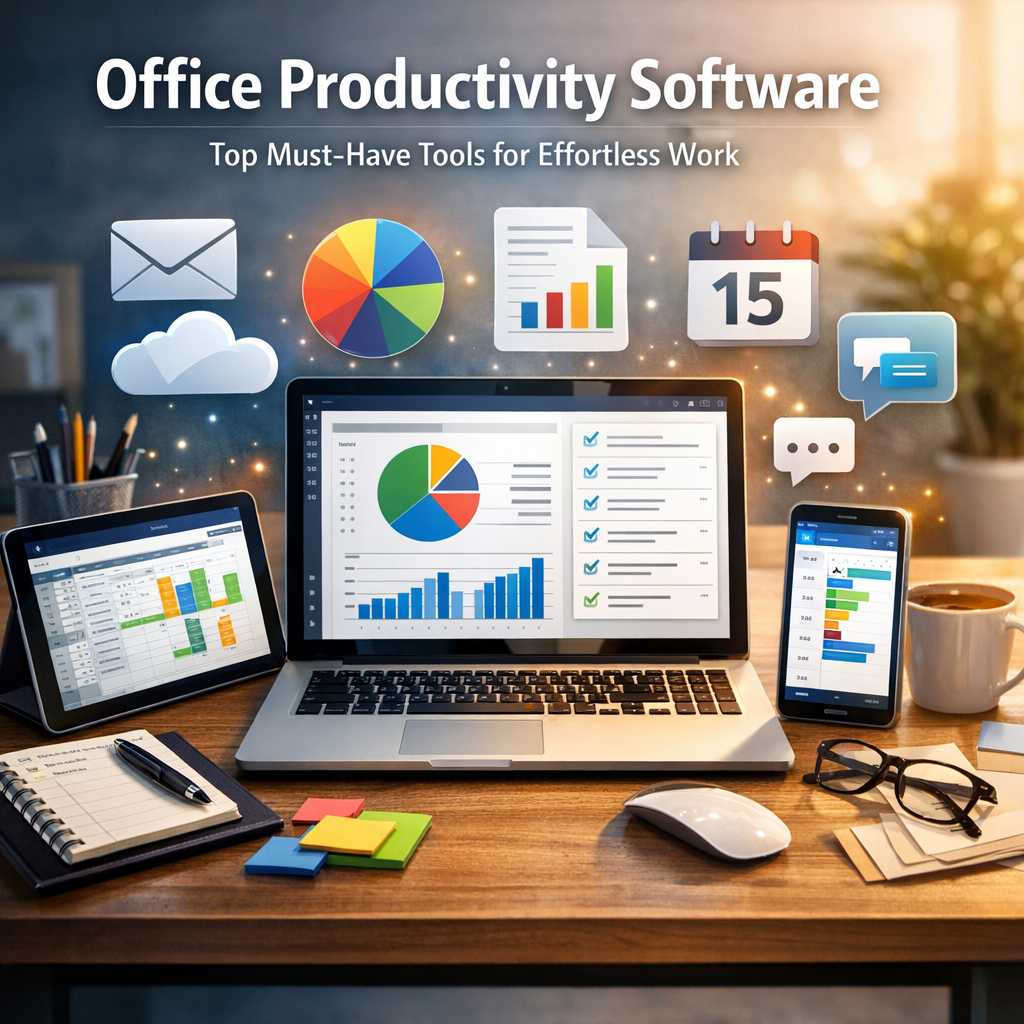
Office productivity software refers to a broad category of applications designed to enhance efficiency in workplace activities. These tools typically include word processors, spreadsheets, presentation makers, email clients, and collaboration platforms. Instead of juggling multiple disconnected solutions, businesses now benefit from integrated environments that help unify communication, documentation, and project management.
With the vast variety of offerings available today, choosing the right combination of software can be daunting. However, recognizing the core functionalities that drive productivity makes this selection process much simpler.
Essential Features of Office Productivity Tools
Before diving into specific software recommendations, it’s crucial to understand what features constitute effective productivity software:
– Ease of Use: Intuitive interfaces reduce learning time and encourage consistent usage.
– Cloud Integration: Enables real-time collaboration and access from multiple devices.
– Compatibility: Support for different file formats and operating systems ensures seamless sharing.
– Collaboration Capabilities: Tools that allow simultaneous editing and effective communication foster teamwork.
– Security: Robust security protocols protect sensitive workplace data.
Keeping these characteristics in mind can help pinpoint solutions that truly enhance daily workflows.
Top Office Productivity Software You Need Today
Microsoft 365: The All-Rounder Suite
Microsoft 365 (formerly Office 365) continues to be a staple for many businesses worldwide. Featuring classic applications like Word, Excel, PowerPoint, and Outlook alongside cloud services like OneDrive and Teams, it offers a comprehensive package for productivity.
The strength of Microsoft’s suite lies in its familiarity combined with powerful cloud collaboration features. Microsoft Teams, specifically, integrates chat, video meetings, and file sharing in one hub, making teamwork more fluid than ever.
Google Workspace: Collaborative Powerhouse
Google Workspace (previously G Suite) is renowned for its simplicity and real-time collaborative features. Google Docs, Sheets, and Slides allow multiple users to work on the same document simultaneously, with automatic saving and version history.
Its web-based nature means no software installation is required, and files are accessible anywhere with internet connectivity. Google Workspace’s integrated tools, including Gmail and Google Meet, further facilitate communication and organization within teams of all sizes.
Evernote and Notion: Smart Note-Taking and Organization
For individual productivity, note-taking apps like Evernote and Notion have become indispensable. Evernote offers robust capabilities for capturing ideas, scanning documents, and organizing information effortlessly.
Notion takes this a step further by serving as a versatile workspace that combines notes, databases, task lists, and calendars in a highly customizable environment. These platforms are particularly useful for managing personal workflows and project tracking, complementing broader office suites.
Slack: Streamlined Workplace Communication
Effective communication is a cornerstone of productivity. Slack is one of the leading office productivity tools dedicated to enhancing team interaction through instant messaging channels, direct messages, and third-party app integrations.
By reducing email clutter and speeding up response times, Slack helps teams stay connected and make decisions faster. Its ability to integrate with project management tools, calendars, and file-sharing services ensures conversations and resources stay centralized.
Trello and Asana: Project Management Made Simple
Completing tasks on time and within scope demands organized project management. Tools like Trello and Asana offer visually appealing and user-friendly interfaces to plan and track work progress.
Trello’s board and card system provides a straightforward approach for setting priorities and deadlines, while Asana offers more detailed task assignments, timelines, and reporting features. Both tools support collaboration by allowing team members to comment, share files, and update task statuses in real time.
Integrating Productivity Tools for Maximum Benefit
While these individual applications shine in their specific roles, their true potential is realized when seamlessly integrated. Many office productivity software providers prioritize compatibility with popular third-party tools, ensuring users can create interconnected digital ecosystems tailored to their needs.
Adopting a suite of compatible software not only avoids duplicated effort but also generates data consistency and smoother workflows. Whether through cloud storage syncing or shared communication channels, this integration helps build an environment where effortless work thrives.
Conclusion
Selecting the right office productivity software is a strategic move that can dramatically improve both individual and team performance. From time-tested suites like Microsoft 365 and Google Workspace to innovative tools such as Notion and Slack, the options available today cover a wide spectrum of work requirements.
By focusing on user-friendly design, collaboration features, and secure cloud access, organizations can foster a productive workplace with minimal friction. In the end, the best set of software tools equips users not just to get work done, but to do so effortlessly, creatively, and efficiently in an ever-evolving digital landscape.