Productivity Apps for Remote Work: Must-Have Tools for Effortless Success
Productivity Apps for Remote Work: Must-Have Tools for Effortless Success
In today’s evolving work landscape, more professionals are embracing the flexibility of remote work. While working from home offers numerous benefits, it also presents unique challenges, especially when it comes to staying organized, focused, and productive. Fortunately, a wide range of productivity apps and remote work tools have emerged to support individuals and teams in navigating these hurdles. Leveraging the right technology can make all the difference in maintaining work from home productivity and achieving effortless success.
The Importance of Productivity Apps in Remote Work
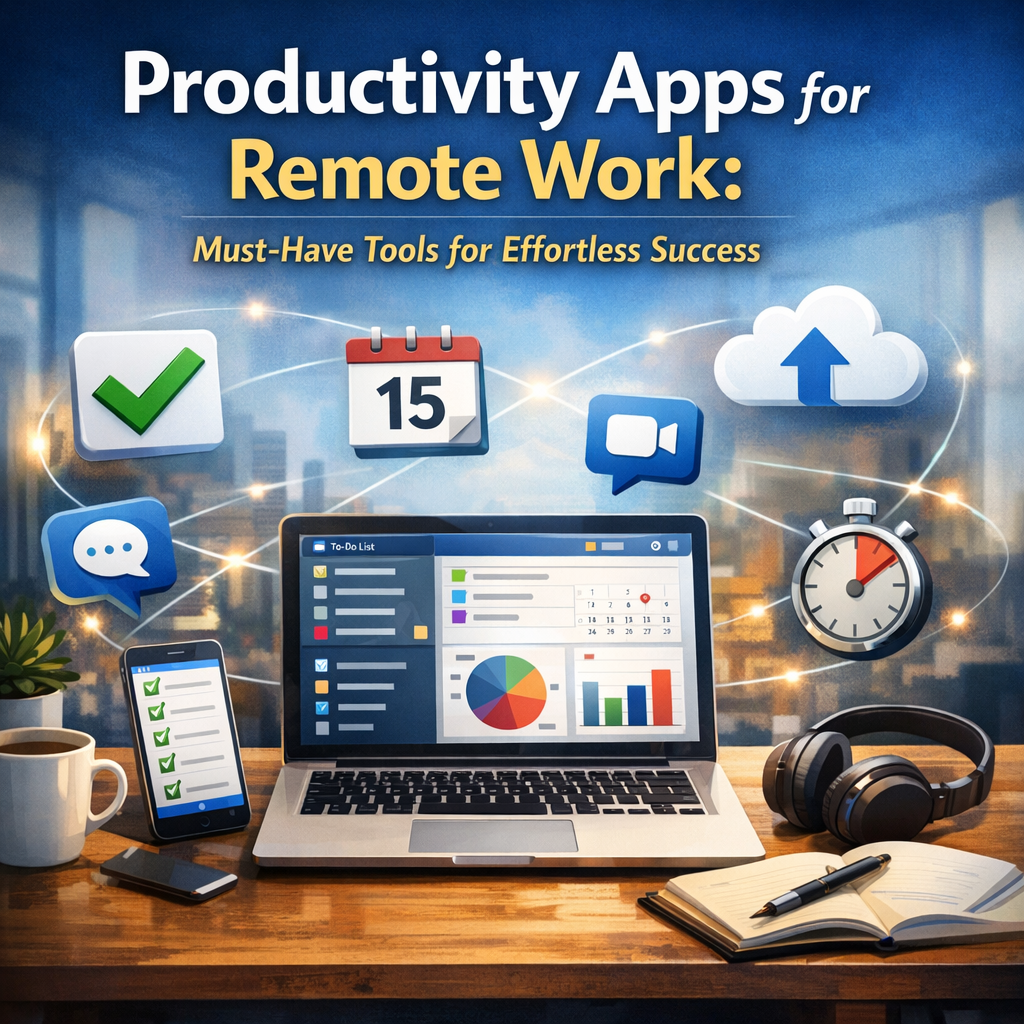
Adapting to a remote work environment requires more than just a reliable internet connection and a comfortable workspace. It calls for efficient management of tasks, seamless communication, and minimizing distractions—all of which can be enhanced through productivity apps designed specifically for remote workers. These tools help streamline daily workflows, promote collaboration, and enable better time management, making it easier to meet deadlines, stay organized, and maintain a healthy work-life balance.
Key Categories of Remote Work Tools to Boost Efficiency
Task Management and Organization
One of the biggest challenges of working remotely is keeping track of all ongoing projects and deadlines. Task management apps provide a centralized digital space to organize assignments, allocate resources, and monitor progress. Applications like Trello, Asana, and ClickUp allow users to create boards, lists, and timelines that clearly visualize workflows. This especially helps teams coordinate efforts across different locations and time zones without confusion or overlap.
Communication and Collaboration Platforms
Effective communication plays a critical role in remote work success. Without face-to-face interaction, team members need reliable tools that facilitate real-time conversations and information sharing. Tools such as Slack, Microsoft Teams, and Zoom enable instant messaging, video conferencing, and file sharing, fostering a collaborative environment. By reducing email overload and enabling quicker responses, these platforms support smooth project execution and enhance overall productivity.
Time Tracking and Focus Enhancement
Maintaining consistent productivity while at home can be difficult with numerous distractions readily available. Time tracking apps like Toggl, RescueTime, and Clockify help professionals monitor how they spend their work hours, identify time-wasting activities, and optimize their schedules. Additionally, focus-enhancing tools such as Forest or Focus@Will use techniques like the Pomodoro method and ambient music to encourage sustained concentration and minimize interruptions.
Cloud Storage and File Management
Working remotely necessitates easy access to documents and files from any device. Cloud storage solutions like Google Drive, Dropbox, and OneDrive allow users to store, share, and collaborate on documents seamlessly. These platforms not only provide secure backup but also eliminate the need for multiple versions of files, ensuring that everyone always works with the most updated information.
Choosing the Right Productivity Apps for Your Remote Setup
The ideal set of remote work tools varies based on individual preferences and job requirements. It’s important to select apps that integrate well with your existing workflow and address specific productivity challenges. Here are some considerations for making the best choice:
– Ease of Use: Tools with intuitive interfaces reduce the learning curve and enhance adoption rates.
– Integration Capabilities: Apps that connect with each other or with platforms you already use can save time and reduce manual data entry.
– Scalability: Choose apps that can adapt as your workload or team size grows.
– Security: Since sensitive information is exchanged remotely, prioritize apps with robust security features.
– Cost Efficiency: Many apps offer free versions or flexible pricing depending on your needs.
Best Practices for Maximizing Work From Home Productivity
Selecting the right productivity apps is only part of the equation. To truly thrive in a remote work environment, it’s essential to establish disciplined habits and create an environment conducive to focused work. Consider these recommendations:
– Establish a designated workspace free from distractions.
– Set clear daily goals using your task management apps.
– Schedule regular check-ins and updates via communication platforms.
– Use time tracking tools to maintain awareness of how work hours are spent.
– Take regular breaks to avoid burnout and maintain mental clarity.
Conclusion
Navigating remote work successfully hinges on effectively managing your time, tasks, and communication. By leveraging a tailored combination of productivity apps and remote work tools, professionals can elevate their work from home productivity to new heights. These technologies empower users to stay organized, collaborate effortlessly, and maintain a healthy balance between professional and personal life. Embracing these tools isn’t just about working harder—it’s about working smarter and achieving effortless success in today’s flexible work environment.