Productivity Tools for Students: Top Must-Have Study Productivity Apps
Productivity Tools for Students: Top Must-Have Study Productivity Apps
In today’s fast-paced educational landscape, students face a constant battle to manage their time effectively, stay organized, and maintain focus on their academic goals. With mounting assignments, exams, and extracurricular commitments, leveraging the right productivity tools for students has become essential. Study productivity apps are powerful allies that can transform the way students approach their work, helping them boost efficiency and achieve better results.
This article explores some of the best study productivity apps currently available, designed to enhance learning, streamline tasks, and support time management. By integrating these digital tools into daily routines, students can develop smarter study habits and reduce stress during busy semesters.
Why Students Need Productivity Tools
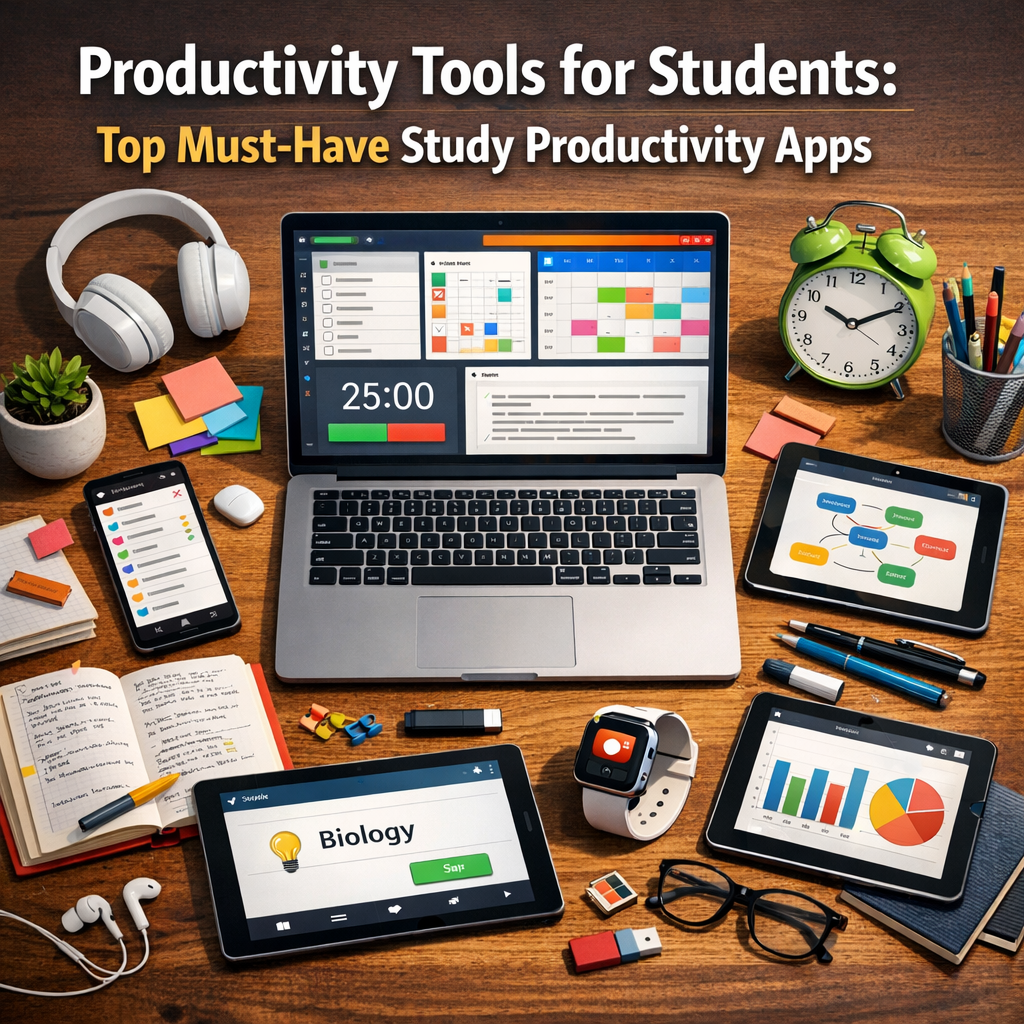
Balancing coursework, project deadlines, and revision schedules isn’t easy. Many students struggle with procrastination, distractions, and information overload. Productivity tools provide practical solutions by offering structured ways to organize notes, plan study sessions, track progress, and even encourage concentration.
Moreover, these apps often come equipped with features tailored to students’ unique needs, making study sessions more interactive and motivating. Whether you’re a high school learner or a university student, implementing the right apps can lead to significant improvements in focus and academic performance.
Essential Categories of Study Productivity Apps
Before diving into specific recommendations, it helps to understand the different types of productivity tools students commonly use:
– Task Management and Planning Apps: Help schedule assignments, set reminders, and monitor deadlines.
– Note-Taking Apps: Allow efficient capture and organization of lecture notes and important information.
– Focus and Time Management Apps: Utilize techniques like the Pomodoro method to maintain concentration.
– Collaborative Learning Tools: Enable group study and sharing of resources with classmates.
Now, let’s review some top-rated study productivity apps across these categories.
Top Task Management Apps for Students
Todoist
Todoist is a versatile task manager ideal for keeping track of homework, projects, and exams. Its intuitive interface lets students create to-do lists, set priorities, and generate recurring reminders. The app also supports collaboration, allowing users to share tasks with study groups or partners.
Microsoft To Do
Microsoft To Do integrates seamlessly with other Microsoft Office products, making it a natural choice for students who frequently use Word or Outlook. It simplifies task organization by breaking larger projects into manageable steps with deadlines and progress tracking.
Best Note-Taking Apps for Effective Studying
Evernote
Evernote’s powerful note-taking features enable students to capture class notes, images, audio recordings, and even PDFs in one place. Organizing notes into notebooks and tagging them makes retrieval quick and easy. Plus, its cross-device syncing ensures study material is always accessible.
Notion
Notion combines notes, tasks, and databases in a flexible workspace, suitable for students who want to customize their study systems. Its templates and integration capabilities allow users to build comprehensive study planners and knowledge bases.
Focus and Time Management Apps to Increase Concentration
Forest
Forest helps students stay focused by gamifying the process of minimizing phone distractions. When a session starts, a virtual tree grows, but leaving the app interrupts growth. This encourages sustained concentration, which is crucial for effective study time.
Focus Booster
Based on the Pomodoro Technique, Focus Booster divides study sessions into timed intervals (typically 25 minutes) followed by short breaks. This rhythm enhances mental endurance and prevents burnout during long revision periods.
Collaborative Learning and Communication Apps
Google Workspace
Google Workspace offers Docs, Sheets, and Slides that multiple users can work on simultaneously, making group projects and peer collaboration straightforward. Real-time commenting and editing streamline communication and feedback.
Slack
Slack serves as a platform for study groups to discuss topics, share resources, and coordinate schedules. Its channel-based messaging system keeps conversations organized and accessible, fostering productive teamwork.
How to Choose the Right Productivity Apps
With countless options available, selecting the ideal productivity tools for students depends on individual learning styles and study habits. Here are some tips:
– Identify your pain points: Whether it’s time management, organization, or focus, start by addressing your biggest challenges.
– Test a few apps: Most apps offer free versions or trials; experiment to find one that fits your workflow.
– Consider integration: Choose apps that sync across devices and work well with platforms you already use.
– Prioritize simplicity: Complex apps can sometimes add to stress rather than reduce it; aim for tools that are easy to adopt.
Conclusion
Incorporating productivity tools into your study routine can make a significant difference in how you manage academic demands. Study productivity apps not only help organize your tasks but also enhance focus and collaboration, ultimately leading to more effective learning and improved academic outcomes. By carefully selecting and consistently using these apps, students can develop meaningful habits that support success throughout their educational journey.