AI Automation Tools Work: Best Must-Have Solutions for Effortless Productivity
How AI Automation Tools Work: Best Must-Have Solutions for Effortless Productivity
In today’s fast-paced digital world, increasing productivity while minimizing manual effort is a common goal for businesses and individuals alike. This is where AI automation tools come into play. Understanding how AI automation tools work can empower you to streamline repetitive tasks, enhance decision-making, and ultimately achieve more with less effort. From automating routine workflows to providing intelligent insights, these solutions are transforming the way we work. In this article, we will explore the core workings of AI automation tools and highlight some of the best must-have options that can help you unlock effortless productivity.
What Are AI Automation Tools?
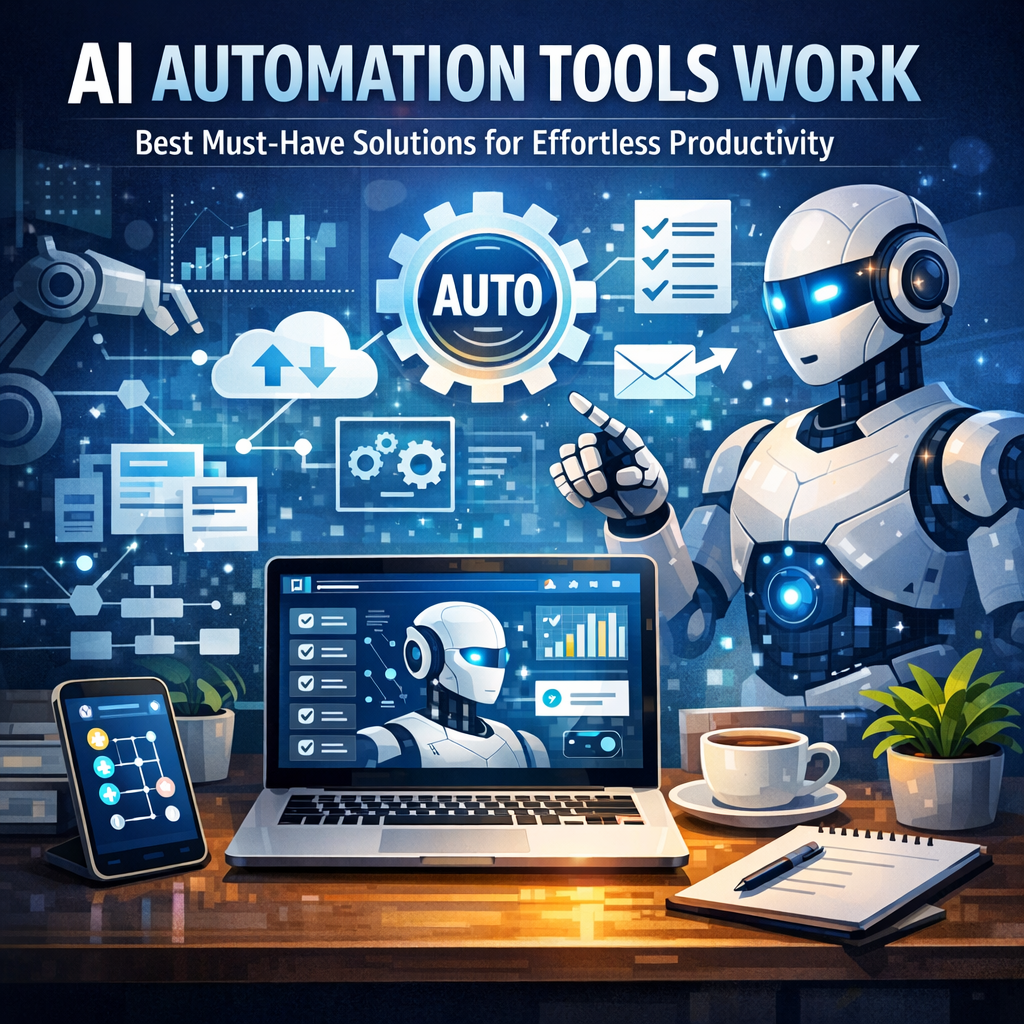
AI automation tools are software applications that combine artificial intelligence with automation technology to perform tasks that traditionally required human intelligence and manual effort. These tools use machine learning algorithms, natural language processing, computer vision, and other AI technologies to interpret, analyze, and act on data or instructions automatically.
By integrating AI into automation, these tools go beyond simple rule-based processes to make intelligent decisions, adapt to new data, and learn from patterns — capabilities that boost efficiency and accuracy in tasks such as data entry, customer service, and project management.
How AI Automation Tools Work
Data Collection and Processing
At the heart of many AI automation tools lies the ability to collect and process large volumes of data. Whether it is customer interactions, sales metrics, or social media trends, the tools gather relevant information from various sources. AI algorithms then cleanse, categorize, and analyze this data to extract meaningful insights.
Intelligent Decision-Making
Unlike traditional automation that follows fixed instructions, AI automation tools leverage machine learning models to interpret contextual information. This allows them to make informed decisions based on patterns and predictions. For example, an AI-powered email assistant can prioritize important messages and suggest smart replies, enhancing communication efficiency.
Workflow Orchestration
AI automation tools coordinate multiple processes by triggering subsequent actions automatically. For instance, after analyzing a customer inquiry, the system might route it to the appropriate department, initiate follow-up emails, and update the CRM — all without human intervention. This orchestration reduces bottlenecks and accelerates task completion.
Continuous Learning and Improvement
One of the defining features of AI automation tools is their ability to learn from new data and feedback. Over time, the algorithms refine their accuracy and adapt to changing conditions. This continuous improvement ensures that automation remains effective, even as business needs evolve.
Must-Have AI Automation Tools for Effortless Productivity
1. Zapier
Zapier is a popular AI automation platform that connects over 3,000 apps, enabling seamless data flow between different tools. It automates repetitive tasks such as transferring data between spreadsheets, sending notifications, or updating CRM records. With its user-friendly interface and intelligent triggers, Zapier helps businesses save time without coding.
2. UiPath
UiPath is a leading robotic process automation (RPA) tool that utilizes advanced AI capabilities to automate complex workflows. Suitable for enterprises, it excels in data extraction, invoice processing, and customer service automation. UiPath’s AI components allow it to handle unstructured data and make autonomous decisions.
3. IBM Watson Assistant
IBM Watson Assistant is a powerful AI-driven chatbot and virtual assistant platform. It uses natural language processing to understand customer queries and provide real-time, accurate responses. Integrating this tool can significantly enhance customer experience by automating support and reducing response times.
4. Microsoft Power Automate
Part of the Microsoft Power Platform, Power Automate helps users create automated workflows between popular Microsoft services and third-party apps. Coupled with AI Builder, it incorporates intelligent automation like form processing and sentiment analysis, boosting productivity with minimal manual intervention.
5. Trello with Butler Automation
Trello’s Butler feature adds AI-powered automation to project management boards. It can automate card movements, due date assignments, and notifications, reducing administrative overhead for teams. This ensures projects move smoothly and that team members focus on high-impact work.
Benefits of Implementing AI Automation Tools
Implementing AI-powered automation tools can lead to numerous advantages:
– Time Savings: Automating repetitive tasks frees up valuable time to focus on strategic activities.
– Improved Accuracy: AI reduces human error by following data-driven decision-making.
– Scalability: Automation can handle increased workloads efficiently without adding staff.
– Cost Reduction: By streamlining processes, businesses can reduce operational costs.
– Enhanced Customer Experience: Faster response times and personalized services improve satisfaction.
Final Thoughts
Grasping how ai automation tools work is essential for anyone aiming to harness technology for enhanced productivity. By integrating the right AI automation solutions into your workflows, you can eliminate mundane tasks, optimize operations, and focus on what truly matters. Whether you are a small business owner or part of a large enterprise, the best AI automation tools discussed here offer smart, scalable options to help you achieve effortless productivity in today’s competitive environment.
Investing time in understanding and adopting these technologies today will pay dividends in efficiency and innovation tomorrow.