Digital Office Productivity Software: Best Must-Have Tools for Success
Digital Office Productivity Software: Best Must-Have Tools for Success
In today’s fast-paced professional environment, staying organized and efficient is more important than ever. Whether you’re working remotely, collaborating with a team, or managing a personal project, the right set of digital office productivity software can make all the difference. These tools help streamline workflows, boost communication, and enhance time management, enabling individuals and organizations to achieve their goals more effectively. Let’s explore some of the essential applications and platforms that have become indispensable in modern workspaces.
Why Digital Office Productivity Software Matters
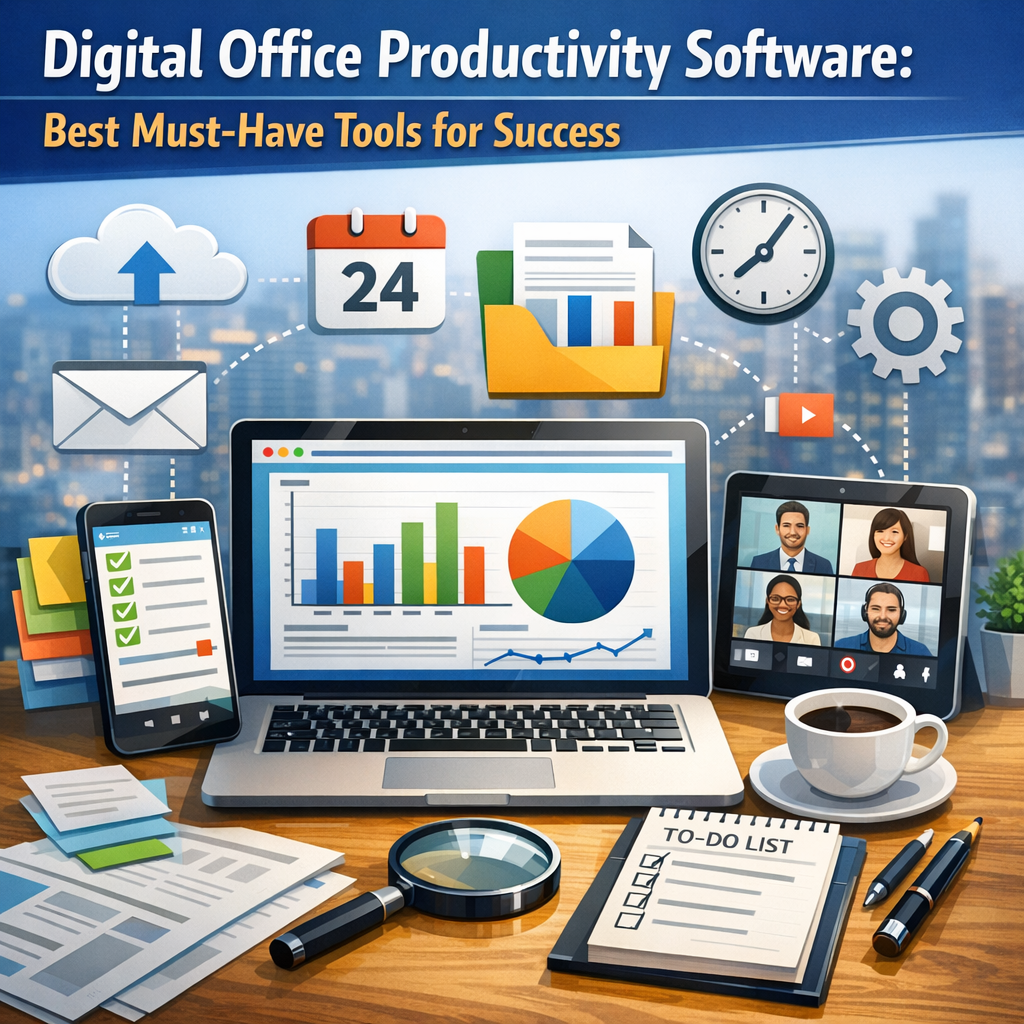
With the shift towards digital transformation and remote work trends accelerating globally, businesses and professionals are increasingly relying on software designed to improve office productivity. Digital office productivity software includes applications for word processing, project management, communication, file sharing, and more. These tools reduce manual tasks, automate processes, and foster a collaborative environment, leading to improved performance and job satisfaction.
By investing in the best tools for your specific needs, you can minimize frustration caused by inefficiencies and focus on what truly drives your success.
Core Categories of Productivity Software
1. Document Creation and Management
One of the foundational elements of digital office productivity software is document processing. Platforms like Microsoft Word and Google Docs allow users to create, format, and edit text documents with ease. However, modern solutions go beyond simple word processing to include real-time collaboration, cloud storage integration, and version control.
– Google Workspace: With Docs, Sheets, and Slides, Google Workspace offers a seamless cloud-based environment where multiple users can collaborate simultaneously.
– Microsoft 365: This suite combines powerful desktop applications with cloud functionality, enabling flexible access across devices.
These tools ensure that documentation is not only well-organized but also accessible and editable by team members anytime and anywhere.
2. Task and Project Management
Keeping track of deadlines and responsibilities is fundamental to productivity. Digital office productivity software dedicated to task and project management helps break down complex projects into manageable assignments, monitor progress, and allocate resources efficiently.
– Trello: Known for its intuitive kanban boards, Trello simplifies project tracking through visual task organization.
– Asana: This tool offers advanced features such as timelines, workload management, and goal tracking, making it ideal for bigger teams.
– Monday.com: Offering customization and automation capabilities, Monday.com adapts to various workflows and industries.
These solutions empower teams to stay aligned, meet deadlines, and respond quickly to changes.
3. Communication and Collaboration Tools
Effective communication is key to maintaining productivity in any office setting. Whether it’s instant messaging, video conferencing, or email, digital office software must enhance connectivity without causing information overload.
– Slack: This platform enables organized communication via channels, direct messages, and integrations with other software.
– Zoom: Zoom is a leader in video conferencing, supporting everything from one-on-one meetings to large webinars.
– Microsoft Teams: Combining chat, video calls, and file sharing, Teams is a robust hub for collaboration within the Microsoft ecosystem.
Choosing the right communication tools ensures smooth coordination, especially when teams are remote or distributed across multiple locations.
4. File Storage and Sharing Solutions
Managing files and data securely while maintaining easy access is a critical challenge for offices. Cloud storage services allow users to save files online, share them effortlessly, and safeguard against data loss.
– Dropbox: Popular for its simple interface and strong syncing capabilities.
– Google Drive: Offers generous storage space tied into Google Workspace, enabling collaborative editing.
– OneDrive: Seamlessly integrates with Microsoft 365 apps, providing secure file storage in the cloud.
These tools reduce dependence on physical storage and make collaboration on documents fast and frictionless.
Choosing the Right Software for Your Needs
Selecting the best digital office productivity software requires careful consideration of your organization’s size, workflow complexity, and specific requirements. Here are some tips to guide the process:
– Assess your team’s workflow: Identify pain points where productivity stalls and look for software that addresses those issues.
– Prioritize ease of use: Tools with intuitive interfaces reduce the learning curve and speed up adoption.
– Consider integration capabilities: The ability to link various apps (such as calendars, emails, and project management tools) results in a cohesive productivity ecosystem.
– Evaluate scalability: The software should grow with your team and adapt to future demands.
– Test before committing: Many platforms offer free trials or freemium versions—take advantage of these to ensure a good fit.
Conclusion: Embrace a Digital Ecosystem for Maximum Productivity
Incorporating the right digital office productivity software is no longer a luxury but a necessity for success in a competitive landscape. These tools empower your team to work smarter by eliminating bottlenecks, enhancing communication, and fostering collaboration. As technology continues to evolve, staying updated with innovative productivity solutions will help maintain agility and drive sustained growth. By carefully selecting and implementing these must-have tools, you set the stage for a more efficient and successful work environment.