Digital Productivity Tools: Must-Have Team Productivity Software for Success
Enhancing Collaboration and Efficiency: A Guide to Essential Digital Productivity Tools for Teams
In today’s fast-paced business world, leveraging the right digital productivity tools is more critical than ever. Teams, whether small startups or large enterprises, rely heavily on technology to streamline workflows, manage projects, and communicate effectively. Choosing the right team productivity software can make a substantial difference in driving success, improving collaboration, and boosting overall efficiency.
Why Digital Productivity Tools Matter for Teams
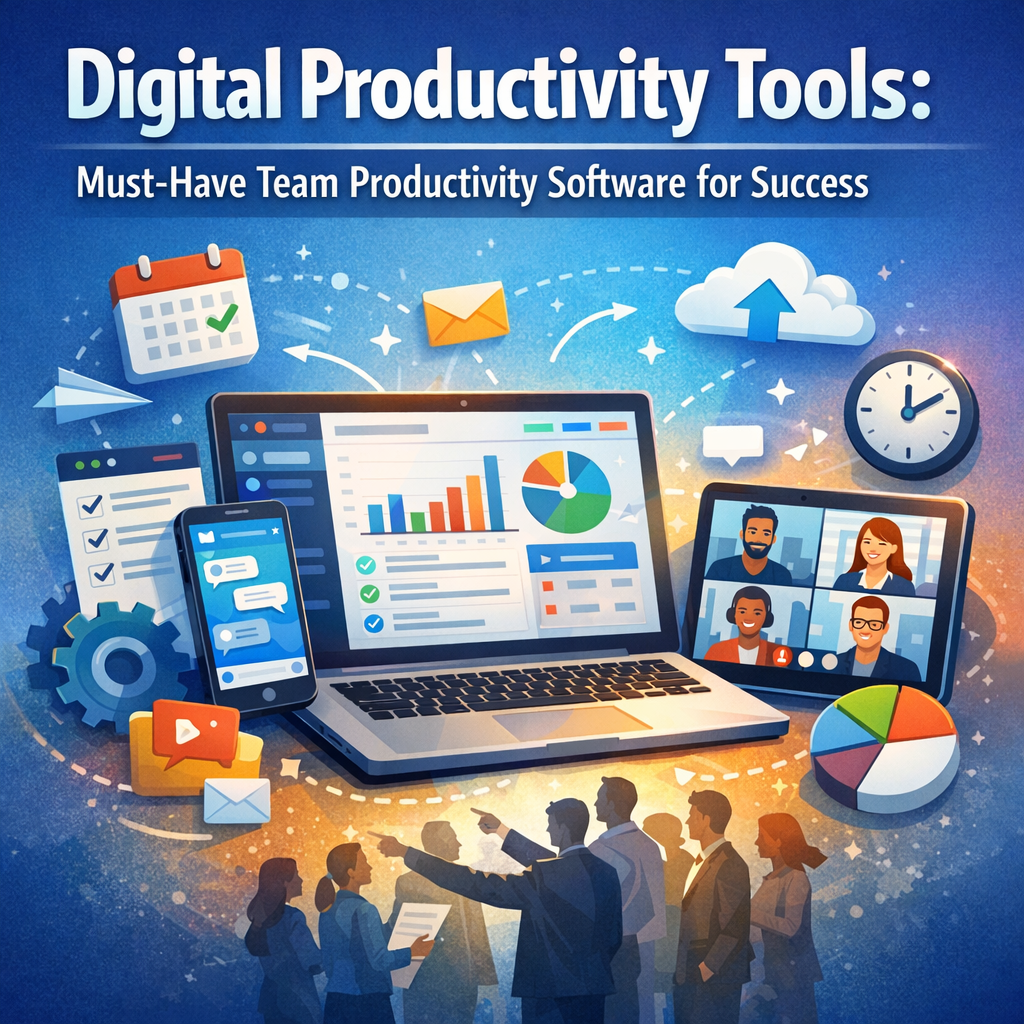
Digital productivity tools encompass a broad range of applications designed to help teams coordinate tasks, share information, and track progress seamlessly. Unlike traditional methods such as emails or paper-based systems, these tools provide real-time visibility, reduce bottlenecks, and foster a culture of accountability.
By integrating team productivity software into daily operations, organizations can break down silos, enhance remote collaboration, and empower employees to focus on high-value activities rather than administrative overhead.
Key Features to Look for in Team Productivity Software
To effectively support a team’s unique needs, productivity tools should offer core functionalities that promote smooth collaboration and efficient task management. When selecting software, keep an eye out for:
1. Task and Project Management
A good productivity platform allows users to create, assign, and monitor tasks. Features like deadlines, priority tags, and progress tracking help keep projects on schedule.
2. Communication and Collaboration
Efficient communication channels such as chat, video calls, or comment threads integrated within the platform enable swift problem-solving and decision-making without switching apps.
3. Integration Capabilities
Since teams commonly use multiple software applications, integrating productivity tools with calendars, file storage, and CRM systems ensures data consistency and reduces duplication.
4. User-Friendly Interface
A clean, intuitive design reduces the learning curve, ensuring higher adoption rates and minimizing resistance to new technology.
5. Analytics and Reporting
Insightful dashboards and reports offer managers visibility into performance metrics, helping them identify areas for improvement and celebrate team achievements.
Popular Digital Productivity Tools Transforming Team Dynamics
Several software solutions stand out for their comprehensive features and adaptability across industries. Here are some of the most respected platforms teams are turning to:
Asana: Streamlined Project Management
Asana combines task lists, timelines, and workflow automation to help teams organize work from daily tasks to strategic initiatives. Its flexibility and robust integrations make it a favorite among project managers.
Trello: Visual Task Boards
Known for its simple, card-based system, Trello enables teams to visualize work status at a glance. Its drag-and-drop interface suits teams that prefer a kanban-style approach to managing tasks.
Slack: Centralized Team Communication
Slack offers real-time messaging channels, voice and video calls, and extensive app integrations, positioning itself as the go-to hub for team conversations and quick sharing of information.
Microsoft Teams: Comprehensive Collaboration Suite
Part of the Microsoft 365 ecosystem, Teams combines chat, video meetings, file storage, and collaborative document editing, making it ideal for organizations already invested in Microsoft products.
Monday.com: Customizable Workflow Management
Monday.com lets teams build tailored workflows and automate repetitive tasks. Its visual dashboards and templates accommodate various industries, from marketing to software development.
Best Practices for Maximizing Team Productivity Software
Even the most powerful digital tools can fall short without strategic implementation. Here are practical tips to get the most out of your team productivity software:
Training and Onboarding
Investing time in thorough onboarding ensures team members understand how to leverage the software effectively, reducing errors and frustration.
Define Clear Processes
Use the software to document workflows and responsibilities. This clarity prevents confusion and creates a single source of truth for project details.
Encourage Consistent Usage
Encourage team members to regularly update their progress, communicate through the platform, and consult it as the primary resource—to keep everyone aligned.
Regularly Review and Adjust
Schedule periodic reviews to assess software performance and team feedback, ensuring the tool evolves with your changing needs.
Balance Flexibility and Standardization
While flexibility is key, setting standards for task naming conventions, tagging, and communication etiquette helps maintain order and findability within the platform.
Looking Ahead: The Future of Digital Productivity Tools
As technology continues to evolve, so will the capabilities of team productivity software. Artificial intelligence and machine learning are beginning to offer predictive analytics, automated task prioritization, and smart scheduling features to further enhance efficiency.
Moreover, as hybrid and remote work become commonplace, seamless collaboration tools that break geographical and time zone barriers will become indispensable.
Conclusion
Choosing and effectively utilizing the right digital productivity tools can transform the way teams operate, driving greater success through enhanced coordination, transparency, and efficiency. By understanding the essential features, exploring popular software options, and applying best practices, organizations position themselves to navigate today’s dynamic business landscape confidently. Embracing these powerful tools is not merely about technology adoption; it’s a strategic investment in team productivity and long-term achievement.