Project Manager Productivity Tools: Must-Have and Best Solutions for Success
Project Manager Productivity Tools: Must-Have and Best Solutions for Success
In today’s fast-paced business environment, project managers are tasked with juggling numerous responsibilities—from planning and scheduling to resource allocation and team communication. To navigate this complex landscape successfully, leveraging the right project manager productivity tools is essential. These tools not only streamline workflows but also enhance collaboration, track progress, and ultimately drive projects to successful completion efficiently.
This article explores must-have productivity tools designed specifically for project managers and highlights some of the best solutions available to optimize project outcomes.
Why Project Manager Productivity Tools Matter
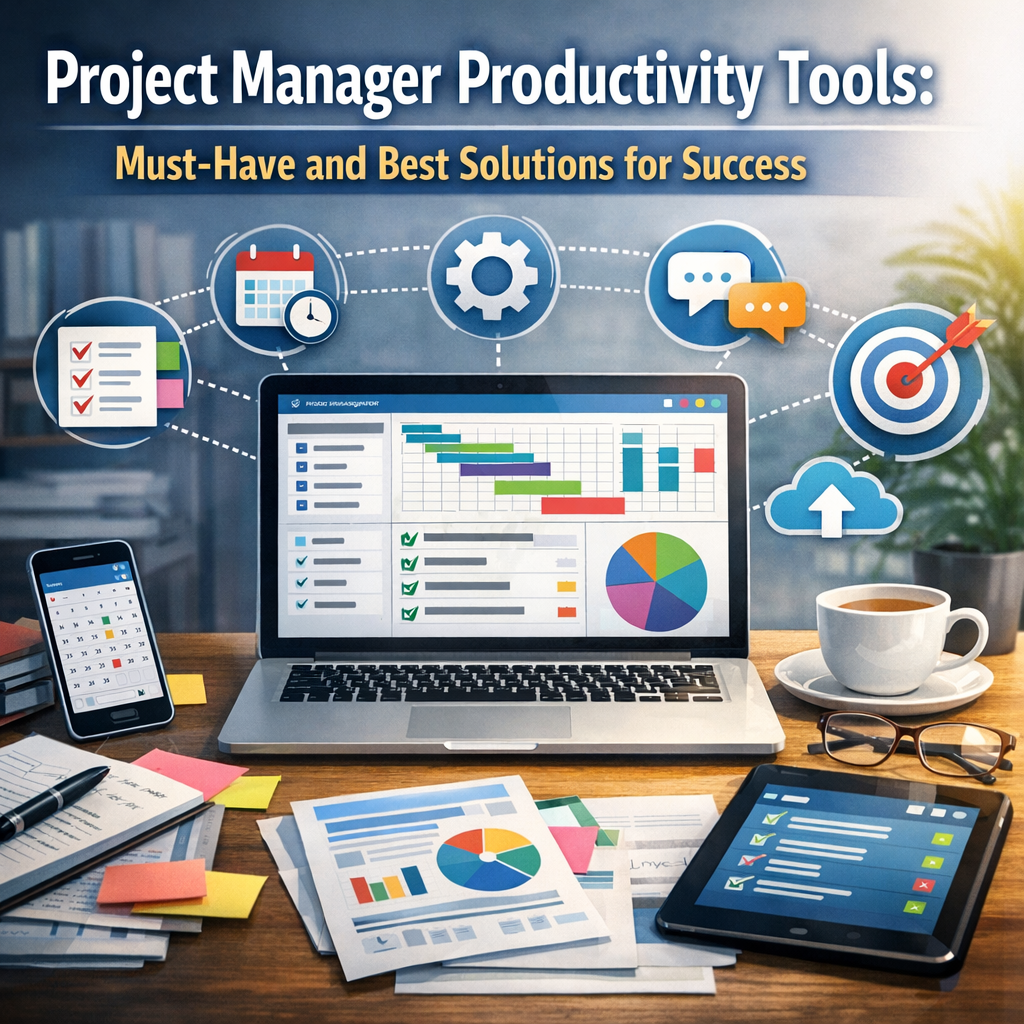
Managing multiple projects often involves coordinating diverse teams, managing deadlines, and adapting to unexpected changes. Without efficient systems, project managers may struggle with time management, communication lapses, and task prioritization. Project manager productivity tools provide a structured approach to these challenges by automating many routine tasks and enabling real-time oversight, reducing human error and boosting overall effectiveness.
By integrating these tools into their workflows, project managers can maintain better control over project timelines, budgets, and deliverables, ensuring smoother execution and greater stakeholder satisfaction.
Essential Features to Look For in Productivity Tools
Before diving into specific solutions, it’s important to understand the core functionalities that truly enhance project management productivity. The best tools combine several key features:
Task and Workflow Management
Tools should allow project managers to create, assign, and prioritize tasks seamlessly. Visual boards like Kanban or Gantt charts help track dependencies and progress, providing clarity about project milestones.
Team Collaboration and Communication
Effective communication is vital. Features such as chat, comments, file sharing, and real-time updates help keep everyone on the same page and foster teamwork.
Time Tracking and Reporting
To optimize productivity, tracking the time spent on tasks is invaluable. Built-in reporting helps analyze resource utilization and performance against timelines.
Resource Allocation
Good project management tools offer insights into team capacity and availability, ensuring resources are balanced and workloads are manageable.
Integration and Accessibility
The ability to integrate with other software platforms like calendars, email, and document storage enhances efficiency. Cloud-based tools ensure accessibility from any location, which is crucial for remote or distributed teams.
Must-Have Project Manager Productivity Tools
Let’s explore top categories of tools that can significantly boost productivity for project managers.
Project Planning and Scheduling Software
– Microsoft Project: A longstanding industry staple, it offers powerful Gantt chart capabilities, resource management, and project tracking features.
– Smartsheet: Combines spreadsheet familiarity with project visualization tools, enabling easy collaboration and automation.
Task Management and Collaboration Platforms
– Asana: Known for its intuitive interface, Asana allows teams to track tasks, set deadlines, and communicate within projects effectively.
– Trello: Ideal for visual learners, Trello’s card and board system simplifies task prioritization and sprint planning.
Communication Tools
– Slack: Beyond simple messaging, Slack integrates with many project tools and supports channels dedicated to projects or topics.
– Microsoft Teams: Especially beneficial for organizations using Microsoft 365, it blends chat, video conferencing, and file sharing.
Time Tracking and Reporting Tools
– Toggl Track: User-friendly and precise, it helps project managers and team members record time spent on tasks, supporting better project costing.
– Harvest: Combines time tracking with invoicing and budget monitoring features.
Best Practices for Maximizing Productivity with Tools
While the right software is important, successful adoption depends on how project managers implement and use them.
Customize to Fit Your Workflow
Every project and team is unique. Adapt tools to match your processes rather than forcing teams to conform rigidly to software defaults.
Train Your Team
Ensure everyone understands how to use the tools correctly to maximize benefits. Offer training sessions and create clear guidelines.
Maintain Consistency
Regularly update tasks, project statuses, and resource information to keep data current and actionable.
Leverage Automation
Use automation features for reminders, status updates, or reporting to save time and reduce manual work.
Conclusion
Project managers aiming for success need more than just experience and leadership skills—they require effective productivity tools tailored to their complex demands. From planning and scheduling to communication and time tracking, the right combination of project manager productivity tools enables teams to work smarter, stay aligned, and achieve project goals efficiently.
Investing time in selecting and mastering these solutions can transform how projects are managed, leading to improved outcomes and greater satisfaction for both managers and stakeholders alike. As the landscape of project management continues to evolve, embracing these technologies will remain a cornerstone of professional success.