Task Management Software: Best Must-Have Team Productivity Tools 2024
Elevate Your Workflow: Must-Have Team Productivity Tools of 2024
In today’s fast-paced and increasingly digital work environment, keeping teams organized and projects on track is more essential than ever. Efficient collaboration and clear visibility into tasks are key to driving success, which is why selecting the right task management software can dramatically influence a team’s productivity. With numerous options available, understanding the best tools that will empower your team in 2024 is crucial for optimizing workflows and meeting deadlines with ease.
Why Task Management Software is Vital for Teams
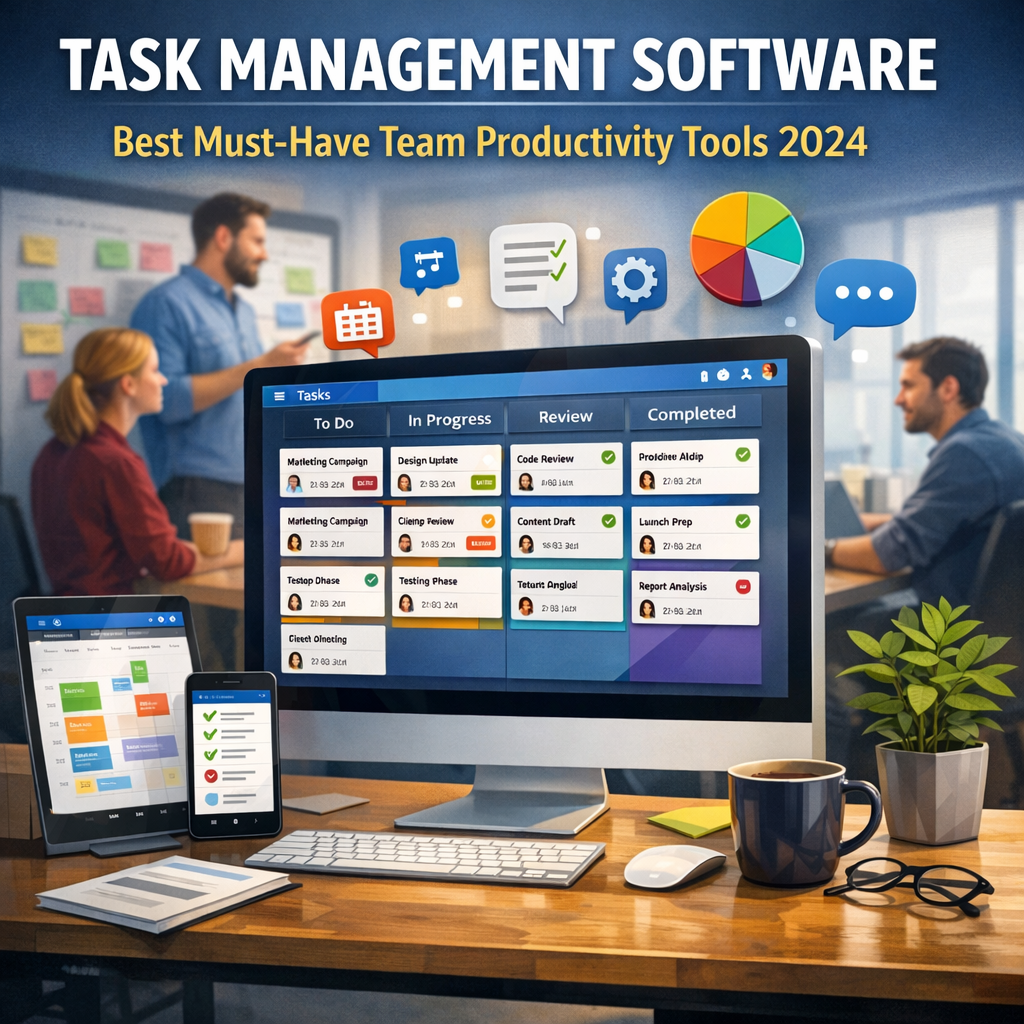
Teams face a variety of challenges including juggling multiple projects, clear communication, and managing deadlines. Task management software addresses these obstacles by offering structured ways to assign, track, and review work. These tools not only streamline processes but also foster transparency and accountability among team members.
The advantages extend beyond simple task tracking. By consolidating collaboration, documentation, and scheduling in one platform, teams can reduce time wasted on searching for information and decrease miscommunication. This, in turn, improves overall team productivity and enables smoother project delivery.
Top Features to Look for in Team Productivity Tools
Before exploring some of the leading options in 2024, it is important to understand which features make task management software truly effective for teams:
1. Intuitive Task Assignment and Tracking
A user-friendly interface that quickly lets managers assign tasks and employees update progress is fundamental. Real-time status changes and notifications keep everyone informed without cumbersome meetings.
2. Collaboration Capabilities
Built-in messaging, comments, and file sharing foster seamless communication directly within task threads. This reduces reliance on external tools and ensures conversations remain contextually relevant.
3. Customizable Workflows
Every team operates differently, so the ability to customize task stages, deadlines, and priorities is essential. Whether your projects follow Agile, Waterfall, or hybrid methodologies, flexible workflows can improve alignment.
4. Integration with Other Tools
Integration with calendars, email clients, cloud storage, and analytics platforms allows teams to centralize their ecosystem and enhance efficiency.
5. Reporting and Analytics
Insightful reports on team performance, bottlenecks, and workload distribution help managers make informed decisions and continuously optimize processes.
Best Task Management Software and Team Productivity Tools in 2024
Asana: For Collaborative Project Management
Asana continues to be a leader thanks to its balance of simplicity and robust features. Its intuitive interface allows users to create projects, add tasks, and assign responsibilities effortlessly. Asana’s timeline view and boards offer visual project tracking, while automation rules minimize repetitive manual work. In 2024, improvements like enhanced AI task recommendations have further streamlined team workflows.
Monday.com: Customizable and Visual
Monday.com excels in its highly customizable workflows and visually appealing dashboards, which provide clarity for complex projects. Teams can tailor task boards by priority, department, or project phase, making it especially useful for cross-functional collaborations. Powerful integration options and time-tracking features make it a comprehensive tool for boosting productivity.
Trello: Simple and Flexible Kanban
Ideal for smaller or remote teams, Trello’s card-based system is straightforward but powerful. Users can organize tasks into lists and move them across stages, such as “To Do,” “In Progress,” and “Done.” Upcoming 2024 updates include enhanced automation and more advanced team analytics, strengthening Trello’s position as a go-to for agile task management.
ClickUp: All-In-One Productivity Suite
ClickUp offers a wide range of tools under one roof, combining task management with docs, spreadsheets, and chat. It prides itself on flexibility, allowing teams to switch views between lists, calendars, and Gantt charts. The platform’s goal-setting and goal-tracking features provide additional motivation and oversight for teams aiming for high productivity standards.
Microsoft Planner: Seamless Office 365 Integration
For organizations heavily invested in Microsoft 365, Planner delivers a native solution that integrates seamlessly with Outlook, Teams, and SharePoint. It supports task assignments, due dates, and progress tracking within the familiar Microsoft ecosystem, making it a convenient choice for teams looking for minimal setup and maximum compatibility.
How to Choose the Right Productivity Tool for Your Team
Selecting the best task management software requires consideration of your team’s unique needs and workflows. Here are some factors to weigh:
– Team Size and Structure: Larger teams may need scalable platforms with advanced permission controls, whereas small teams might prefer simplicity.
– Project Complexity: Complex projects benefit from customizable workflows and detailed analytics, while straightforward projects require a simpler interface.
– Existing Tech Stack: Choose software that integrates smoothly with tools your team already uses to avoid disruption.
– Budget: Pricing varies widely; consider total cost alongside features to maximize ROI.
– User Experience: Opt for solutions that minimize the learning curve to encourage adoption.
Conclusion: Investing in Tools for a Productive 2024
As work environments continue to evolve, adopting the right task management software can spell the difference between chaotic projects and smooth, productive collaboration. By understanding key features and evaluating top team productivity tools, organizations position themselves for success in 2024 and beyond. The right platform empowers your workforce, fosters transparency, and drives projects to timely completion — essential ingredients for any high-performing team. Whether you prefer highly customizable software or a simple visual board, now is the time to upgrade your task management approach and unlock your team’s full potential.