Work From Home Productivity Apps: Must-Have Tools for Effortless Success
Essential Tools for Boosting Efficiency: Work From Home Productivity Apps You Need
In today’s evolving workplace landscape, remote work has transitioned from a temporary arrangement to a long-term standard for many professionals. While working from home offers flexibility and comfort, it also presents unique challenges, particularly when it comes to staying productive and organized. Thankfully, there’s a growing number of work from home productivity apps designed to help remote workers streamline their tasks, manage time effectively, and maintain clear communication with teams. Harnessing the right digital tools can make all the difference in turning a home office into a powerhouse of efficiency and success.
Why Productivity Apps Matter for Remote Work
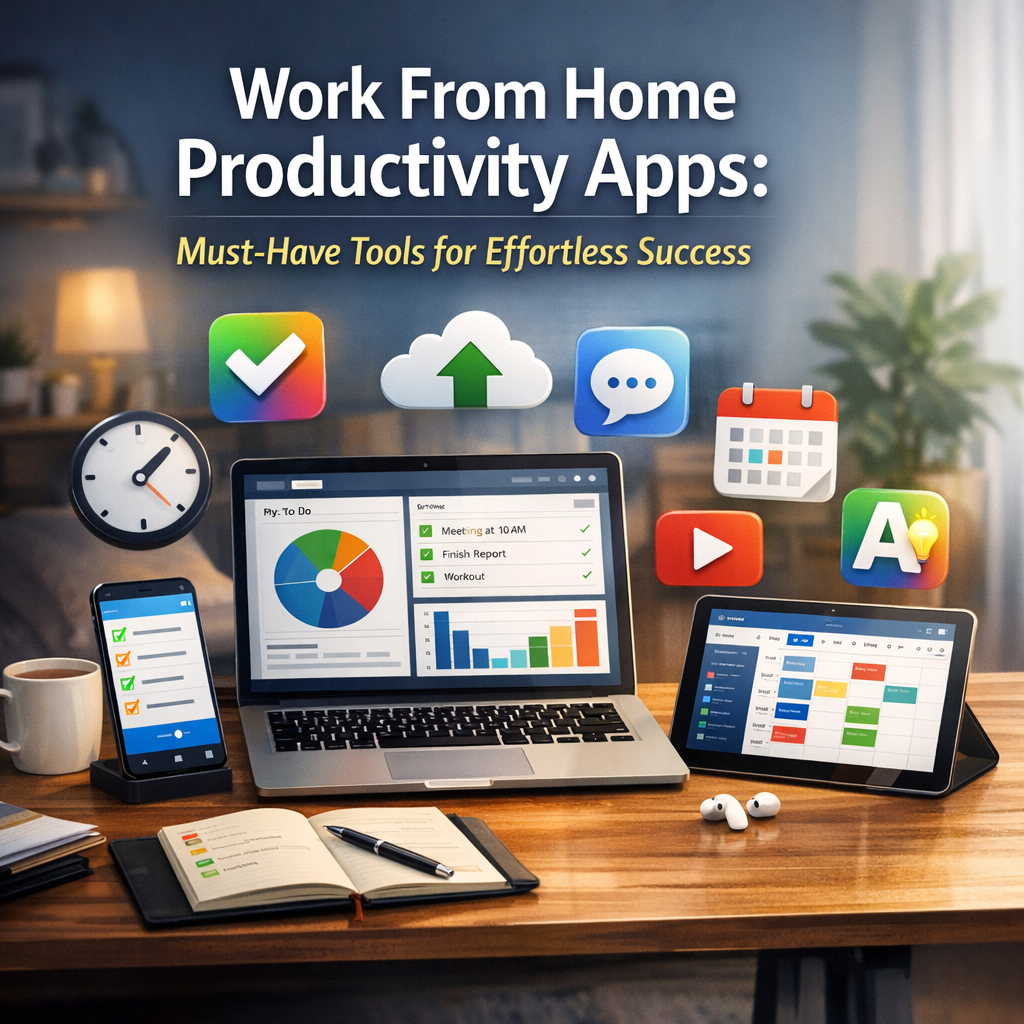
When you move out of a structured office environment and into your home workspace, distractions can quickly creep in. From household chores to social media temptations, the home setting requires stronger self-discipline and better organizational systems. Work from home productivity apps serve this purpose by providing digital assistance to plan, track, and execute tasks productively.
Using these applications not only helps keep work organized but also fosters collaboration, encourages focus, and offers automation options to reduce repetitive tasks. For freelancers, remote employees, and home-based entrepreneurs alike, these tools can be vital for maintaining professional standards outside a conventional office setting.
Key Features to Look for in Productivity Apps
Before diving into the specific apps, it’s important to understand which features truly enhance productivity in a remote work scenario:
– Task Management: Tools that allow you to create, assign, prioritize, and track tasks help maintain clarity.
– Time Tracking: Apps with timers or activity logs provide insight into how work hours are spent.
– Communication: Seamless channels for messaging, video calls, and file sharing promote team interaction.
– Focus Aids: Features like Pomodoro timers or distraction blockers support concentrated work periods.
– Integration: The ability to sync with calendars, emails, and other workplace software simplifies workflows.
Top Work From Home Productivity Apps to Consider
1. Trello – Flexible Task And Project Management
Trello operates on a board and card system that makes project tracking visual and straightforward. You can create boards for different projects, lists for workflows, and cards for individual tasks. It’s especially helpful for remote teams who need transparency on progress and deadlines. Trello integrates with many other apps like Slack, Google Drive, and calendar services, enhancing productivity with minimal hassle.
2. Slack – Centralized Team Communication
Effective communication is the backbone of remote work, and Slack offers a robust platform for instant messaging, file sharing, and video calls. It organizes conversations into channels by topic or team, ensuring that discussions stay relevant and accessible. Notifications and integrations with other productivity apps keep information centralized and timely.
3. Focus Booster – Boost Concentration With Pomodoro Technique
Focus Booster is designed to combat procrastination and promote focused work sessions using the renowned Pomodoro Technique. By breaking work into 25-minute intervals followed by short breaks, it helps sustain concentration without burnout. The app tracks your sessions and reports time spent, providing valuable insights into your work habits.
4. Notion – All-In-One Workspace For Notes and Planning
Notion combines note-taking, task management, and database creation within a highly customizable platform. Its adaptability makes it perfect for managing projects, sharing documentation, and keeping personal journals or workflows. The app supports collaboration on content and offers numerous templates that facilitate day-to-day productivity.
5. RescueTime – Understand And Improve Your Work Patterns
Awareness is key when it comes to improving workflow. RescueTime runs quietly in the background to monitor how you spend your time on your computer or mobile device. It generates detailed reports identifying distractions and productive periods, enabling you to adjust habits and eliminate time wastage effectively.
Tips for Maximizing Productivity With These Apps
– Customize Your Setup: Tailor the tools to fit your unique workflow rather than trying to adapt to rigid systems.
– Create Routines: Use scheduling and reminder features to build consistent work habits.
– Leverage Integrations: Connect apps to reduce double handling and keep all information synchronized.
– Set Boundaries: Use focus and do-not-disturb modes to minimize interruptions during deep work.
– Regularly Review Performance: Use analytics from apps like RescueTime to make data-informed productivity improvements.
Conclusion
Adopting the right work from home productivity apps can transform how you manage your tasks, communicate with teammates, and maintain focus throughout the day. Each tool plays a critical role in helping navigate the unique challenges of remote work, ensuring that you stay organized and efficient without feeling overwhelmed. By thoughtfully integrating these applications into your daily routine, working from home becomes not just manageable but a pathway to effortless success. Balancing flexibility with structure, these digital companions ultimately empower you to produce your best work—anytime, anywhere.